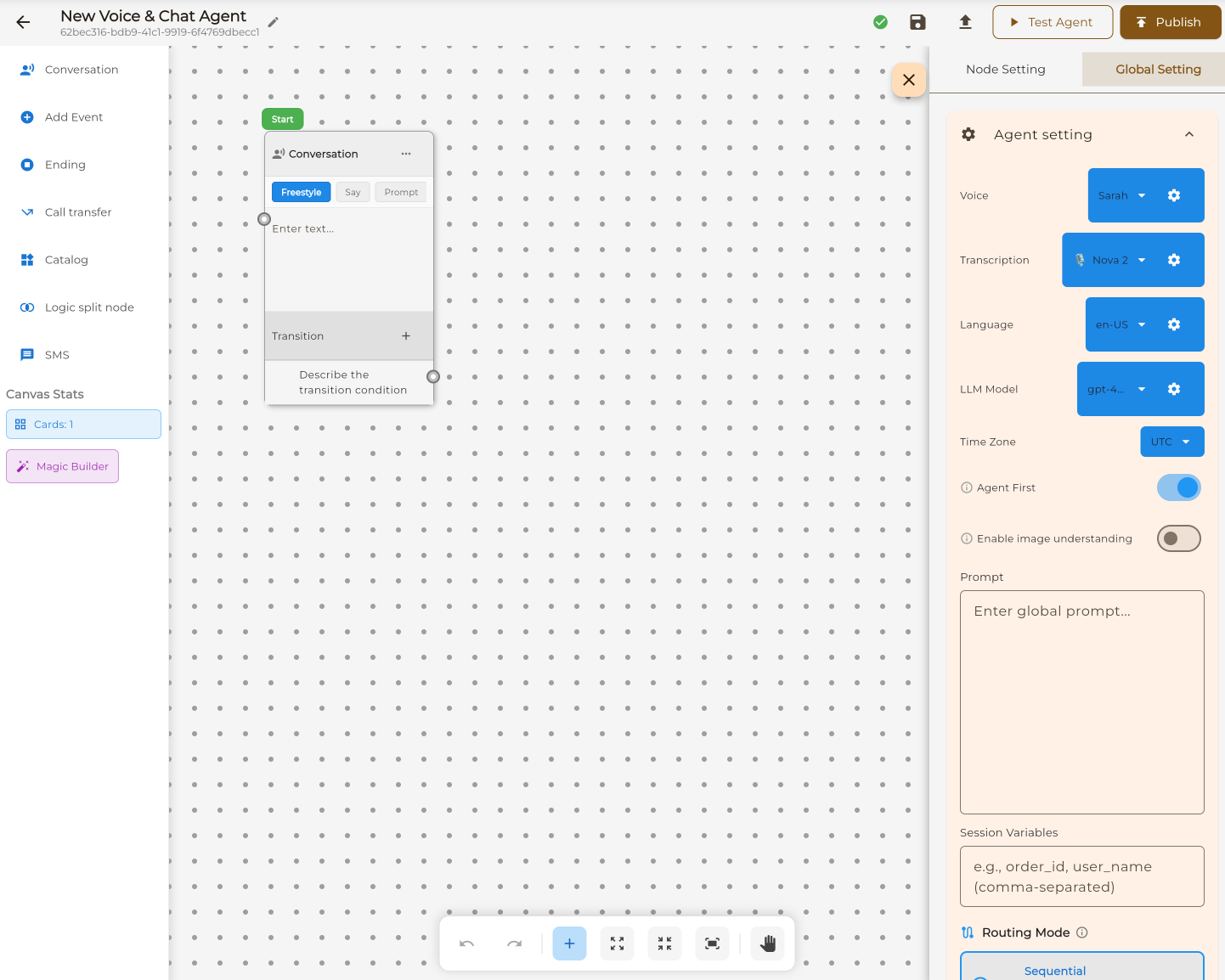
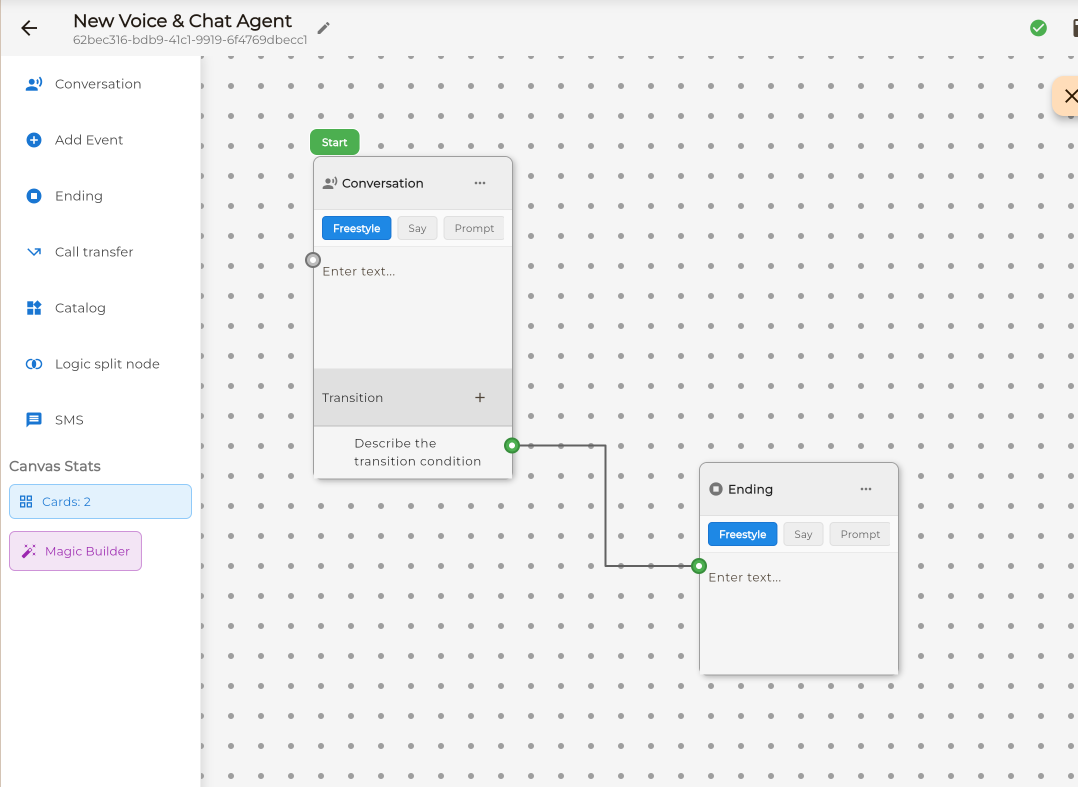
The visual workflow builder for complex AI agents. Drag and drop nodes, connect conversation paths, and control exactly what your agent says at every step. Perfect for multi-step processes that need precision.
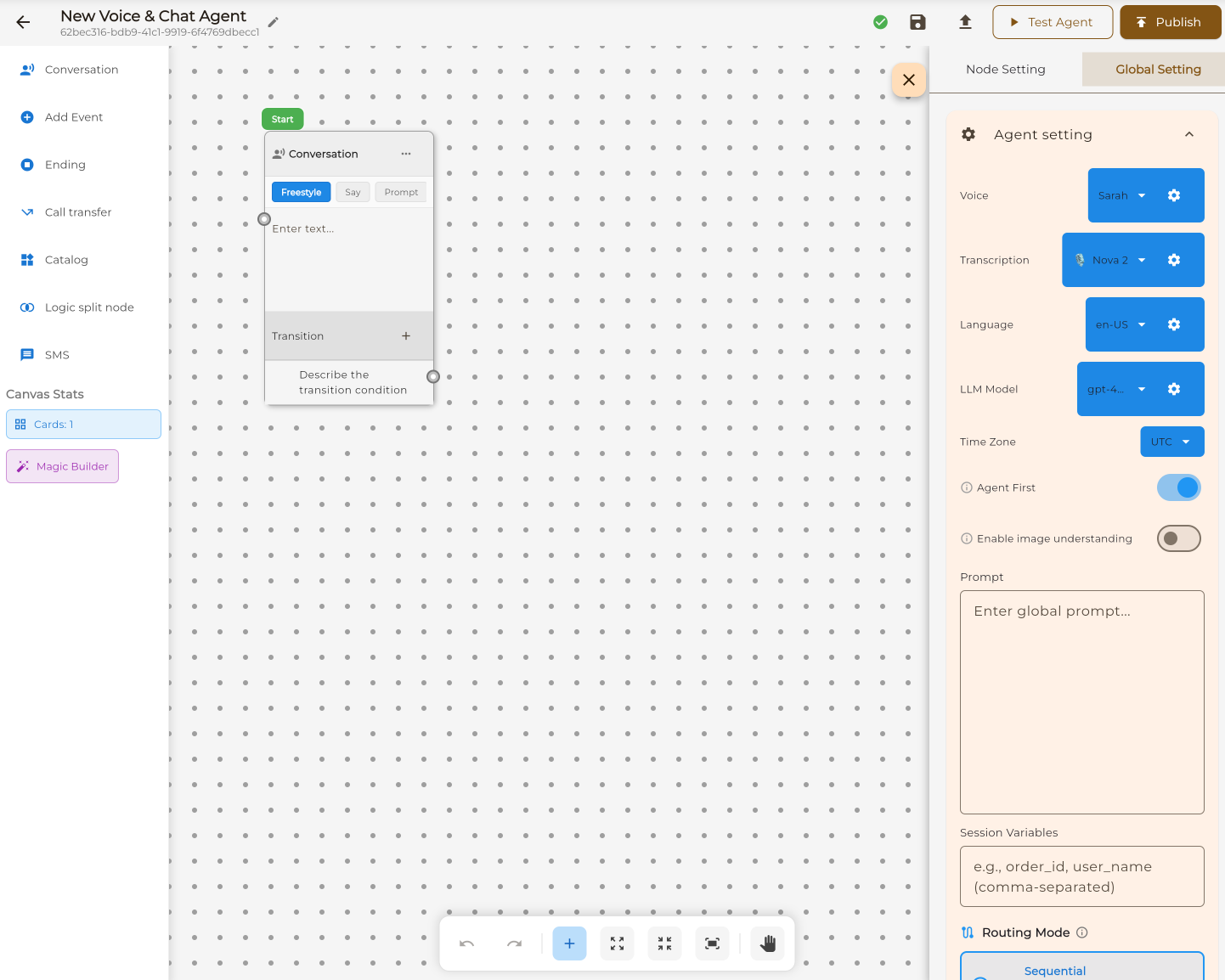
Conversation Flow is a visual canvas where you design AI agents by connecting nodes. Each node represents a step in the conversation — you control exactly what happens at every point.
Infinite zoomable canvas with drag-and-drop nodes
Draw connections between nodes to define conversation flow
Define exactly what the agent says at each step
Create conditional paths based on user responses
Build your agent step by step with our visual workflow builder.
Drag conversation steps from the sidebar onto the canvas.
Set what the agent says and does at each step.
Draw lines between nodes to define conversation paths.
Connect a phone number and your agent is ready.
Each node type serves a specific purpose in your conversation flow. Combine them to build powerful agents.
The main dialogue node. Define what the agent says and how it responds to user input.
Create conditional branches. Route conversations based on user responses or collected data.
Collect user information like name, email, phone number, or custom data fields.
Trigger external actions like calendar booking, webhooks, or custom integrations.
Send text messages to the caller with confirmations, links, or follow-up information.
Transfer the call to a human agent or another phone number when needed.
Gracefully conclude the conversation with a closing message.
Search your product catalog and share information with callers.
Master the visual workflow builder with these key features.
Your workspace is an infinite, zoomable canvas. Pan around by dragging, zoom with your scroll wheel or trackpad, and organize your nodes however you like.
Connect nodes by dragging from one port to another. Each node has input and output ports that define how conversations flow between steps.
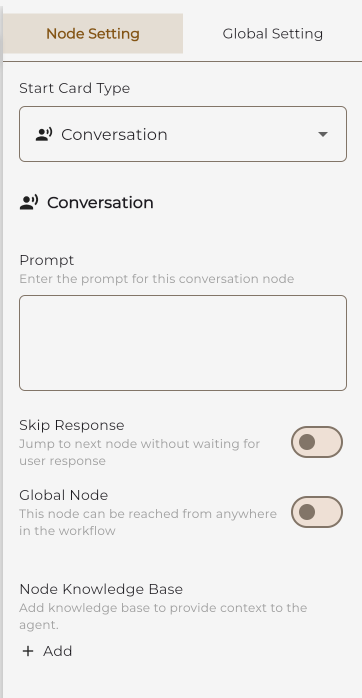
The right panel gives you access to global settings, node configuration, and a built-in test environment to try your agent before publishing.
Configure your agent's voice, language, AI model, and behavior from the right panel.
Choose the right approach for your use case.
| Feature | Conversation Flow | Single Prompt |
|---|---|---|
| Setup Time | Hours (thorough design) | Minutes |
| Control Level | Full — every step defined | AI decides flow |
| Visual Builder | ✓ Drag-and-drop canvas | ✗ Text editor only |
| Branching Logic | ✓ Unlimited branches | Limited (AI-driven) |
| Best For | Complex multi-step processes | General support, FAQ |
| Predictability | Exact scripted paths | Natural but variable |
| Learning Curve | Visual builder to learn | None — just write |
Need something simpler? Try our prompt-based approach.
Learn About Single PromptConversation Flow excels when you need precise control over multi-step processes.
Multi-step qualification with branching based on budget, timeline, and needs.
Step-by-step order collection with validation and confirmation at each stage.
Structured question flows with skip logic and conditional follow-ups.
Guided onboarding calls that collect information in a specific order.
Troubleshooting decision trees with specific solutions for each issue type.
Appointment booking with multiple conditions, preferences, and confirmations.
{{variable_name}} syntax in any node's text content to insert the value dynamically.