Product Catalog
Your Products, Powered by AI
Add your product catalog and let AI agents sell, recommend, and support your customers. Connect your inventory via API or add products manually.
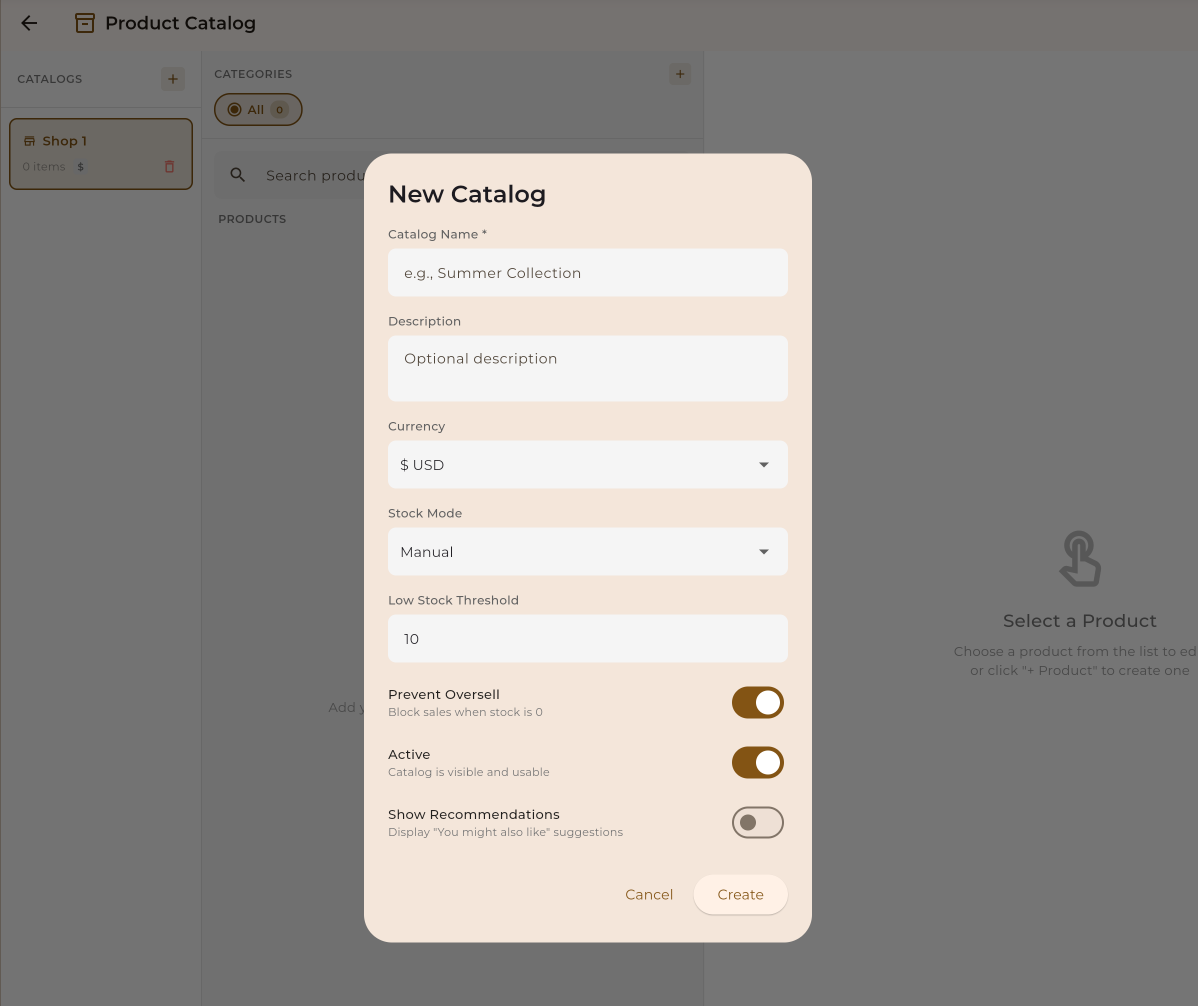
Add your product catalog and let AI agents sell, recommend, and support your customers. Connect your inventory via API or add products manually.
The Product Catalog is your centralized database of products that AI agents can access during conversations. Perfect for sales, support, and recommendations.
Store all your products with details, images, and pricing
Agents recommend and sell products intelligently
Sync with your existing inventory systems
Connect products to agent workflows seamlessly
Get your product catalog up and running in minutes.
Add products manually or import via CSV/API.
Include descriptions, pricing, and product images.
Link your catalog to agent workflows.
Your agent recommends and sells products.
Choose from multiple ways to add products to your catalog.
Add products one by one with full control over every detail. Best for small catalogs or custom products.
Upload a CSV file with all your products at once. Perfect for bulk imports from spreadsheets.
Connect your existing inventory system via API. Products sync automatically and stay up to date.
Rich product data helps your AI agent provide better recommendations and support.
Link your product catalog to AI agent workflows for intelligent sales and support.
Open an existing workflow or create a new one. Navigate to the integrations or data sources section.
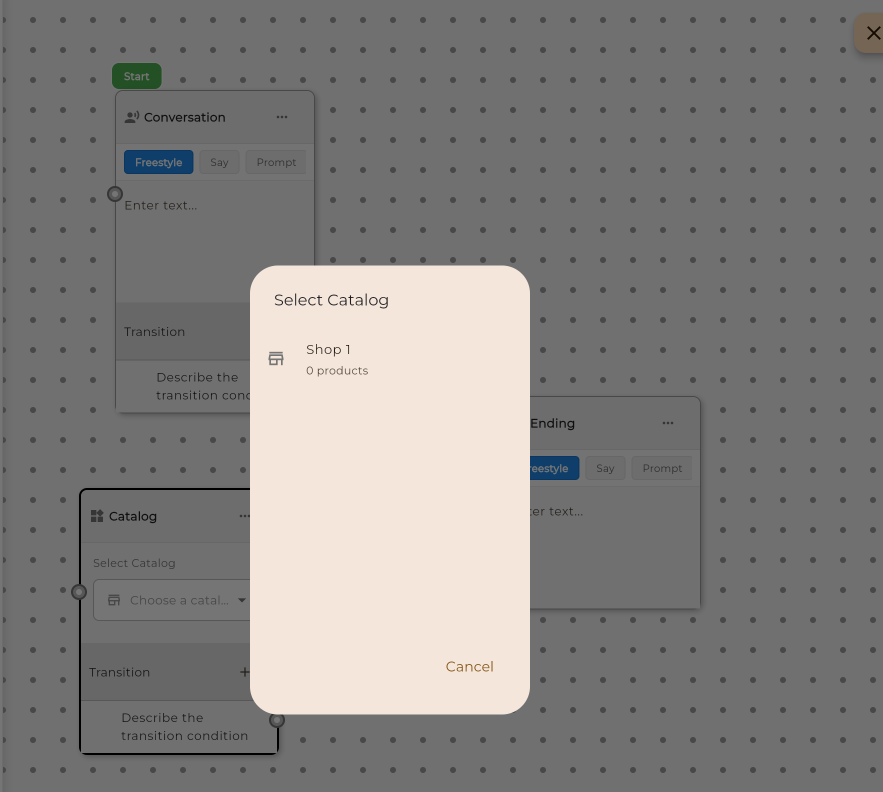
Select "Product Catalog" as a data source and choose which catalog to connect. You can connect multiple catalogs if needed.
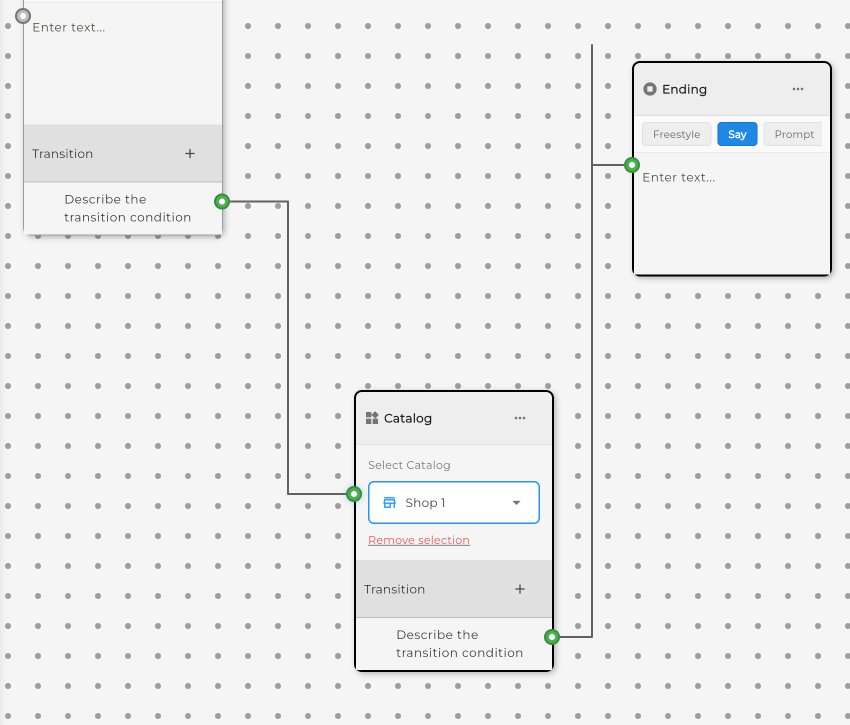
Define how your agent should use the catalog. Set up product search, recommendations, and sales conversation flows.
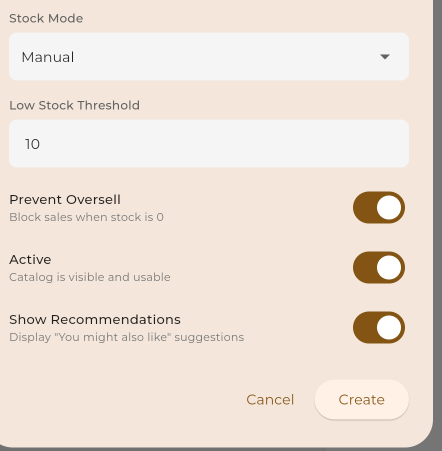
Connect your existing inventory system to keep products synchronized automatically.
Direct integrations with popular e-commerce platforms:
Connect any system using our REST API or webhooks:
{
  "name": "Premium Running Shoes",
  "sku": "SHOE-RUN-001",
  "price": 129.99,
  "currency": "USD",
  "description": "Lightweight running shoes with advanced cushioning",
  "category": "Footwear",
  "images": [
    "https://example.com/images/shoe-1.jpg",
    "https://example.com/images/shoe-2.jpg"
  ],
  "variants": [
    { "size": "8", "color": "Black", "stock": 25 },
    { "size": "9", "color": "Black", "stock": 30 },
    { "size": "10", "color": "White", "stock": 20 }
  ],
  "attributes": {
    "material": "Mesh",
    "weight": "280g"
  }
}See how businesses use the product catalog to power their AI agents.
Let AI recommend and sell products based on customer needs and preferences.
Answer questions about products, specifications, and availability instantly.
Suggest products based on conversation context and customer history.
Check real-time stock availability and provide accurate delivery estimates.
Help customers place orders and process payments through conversation.
Suggest complementary products and upgrades during conversations.