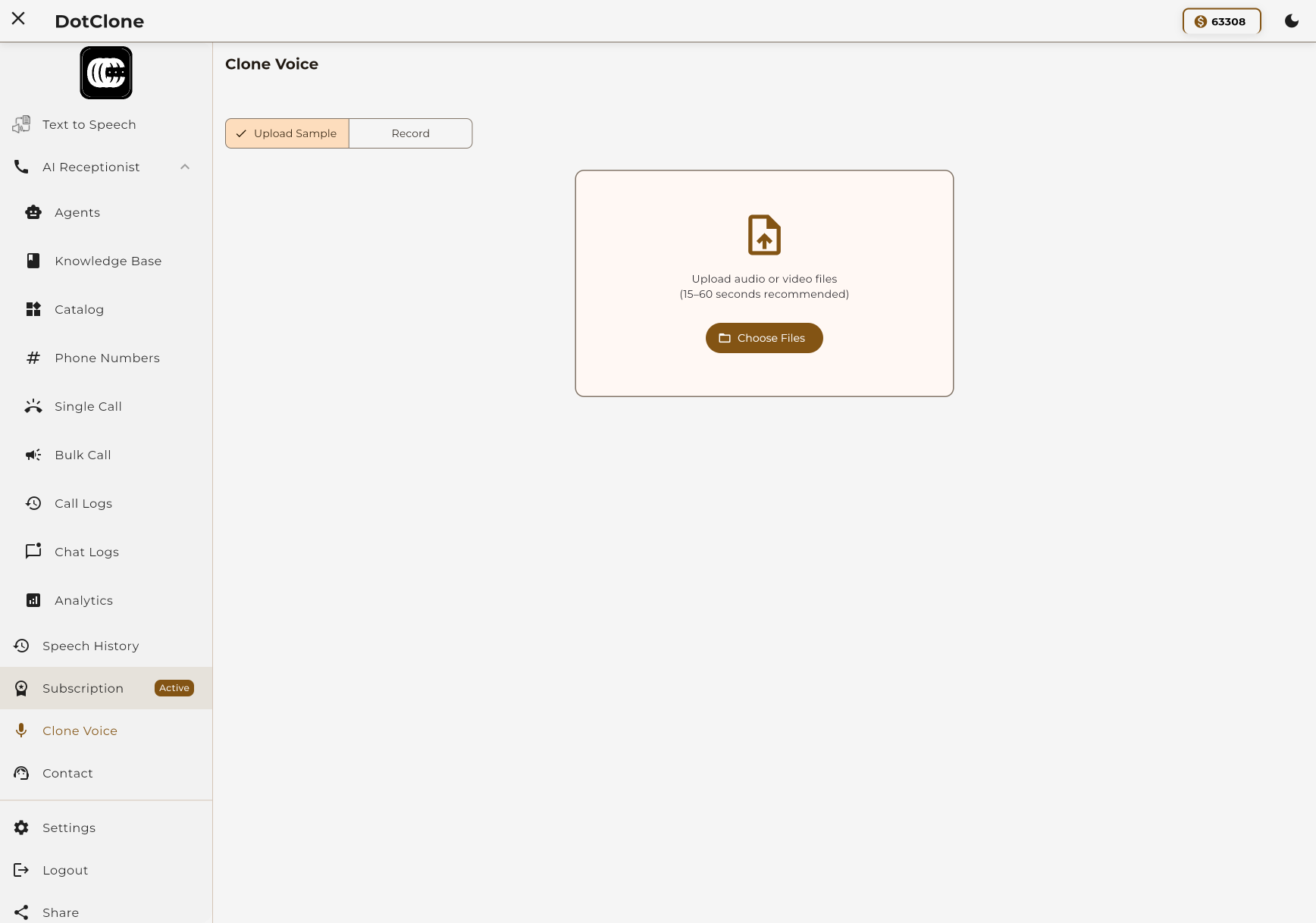
Create perfect voice replicas with just 10-30 seconds of audio. Use your cloned voices for text-to-speech or AI voice agents.
Our AI captures tone, accent, and speaking style to produce natural-sounding voice clones.
Record or upload 10-30 seconds of clear audio. The better the quality, the better the clone.
Our AI analyzes the voice characteristics and creates a high-fidelity digital replica.
Select your cloned voice in TTS or AI Agent settings and start creating content.
Your cloned voices work seamlessly across our platform. Use them for text-to-speech or power your AI agents.
Generate audio content with your cloned voice. Perfect for podcasts, audiobooks, voiceovers, and personalized content.
 See how it works
Give your AI voice agent a unique voice. Build brand consistency with a recognizable voice across all customer interactions.
 See how it works
Follow these steps to create and use a cloned voice in our TTS system.
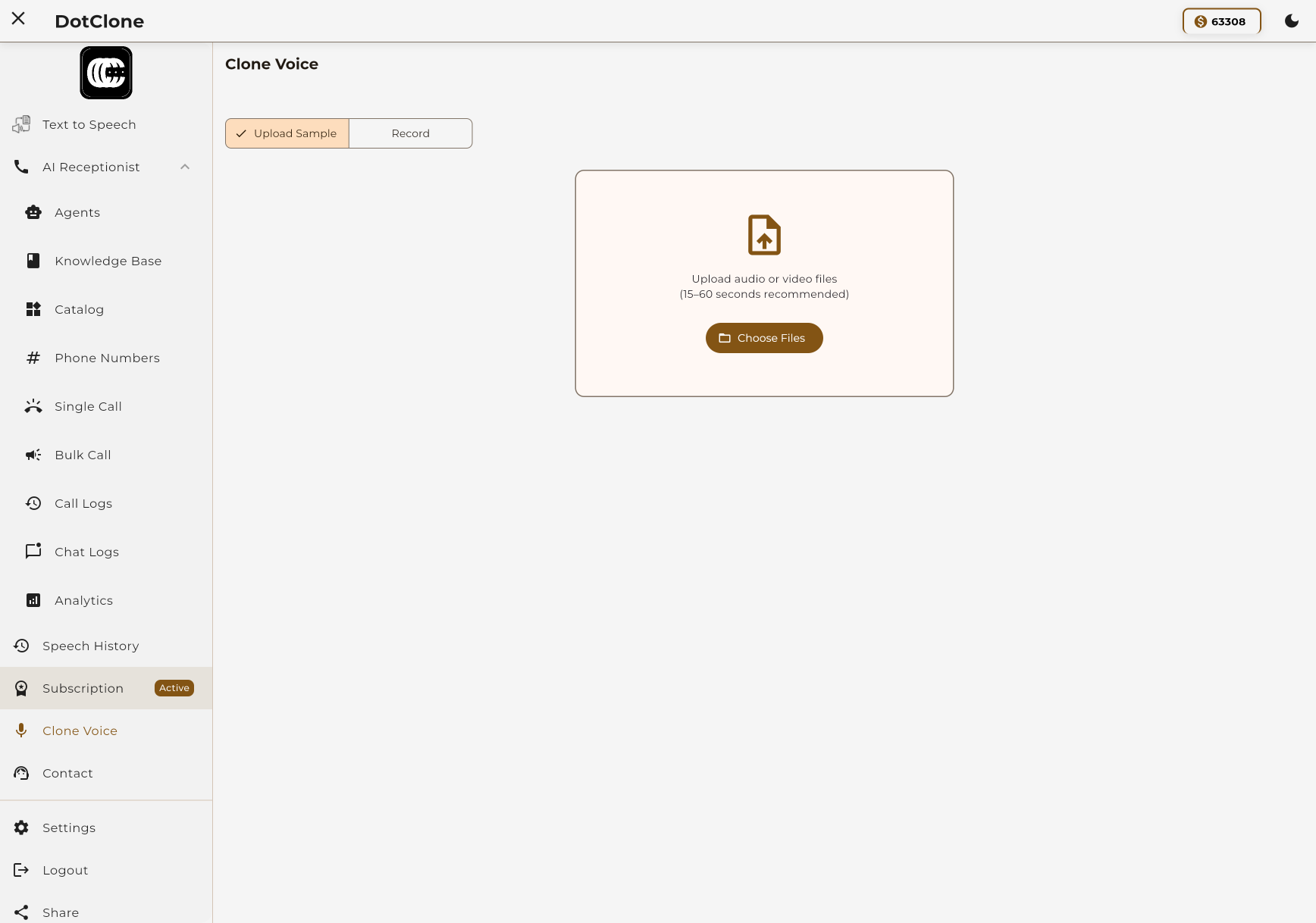
Navigate to the voice cloning section and click "Add New Voice". You can either record directly or upload an existing audio file.
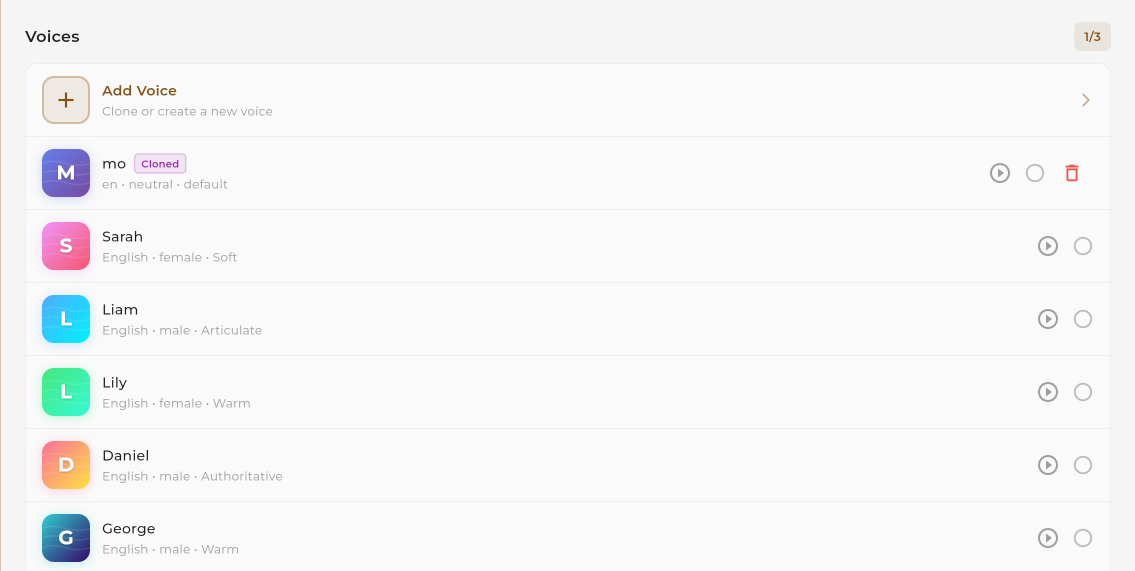
Once your voice is cloned, go to the Text-to-Speech section. Your cloned voice will appear in the voice selection dropdown alongside other available voices.
Enter your text and click generate. The system will create natural-sounding speech using your cloned voice. Download or use directly in your projects.
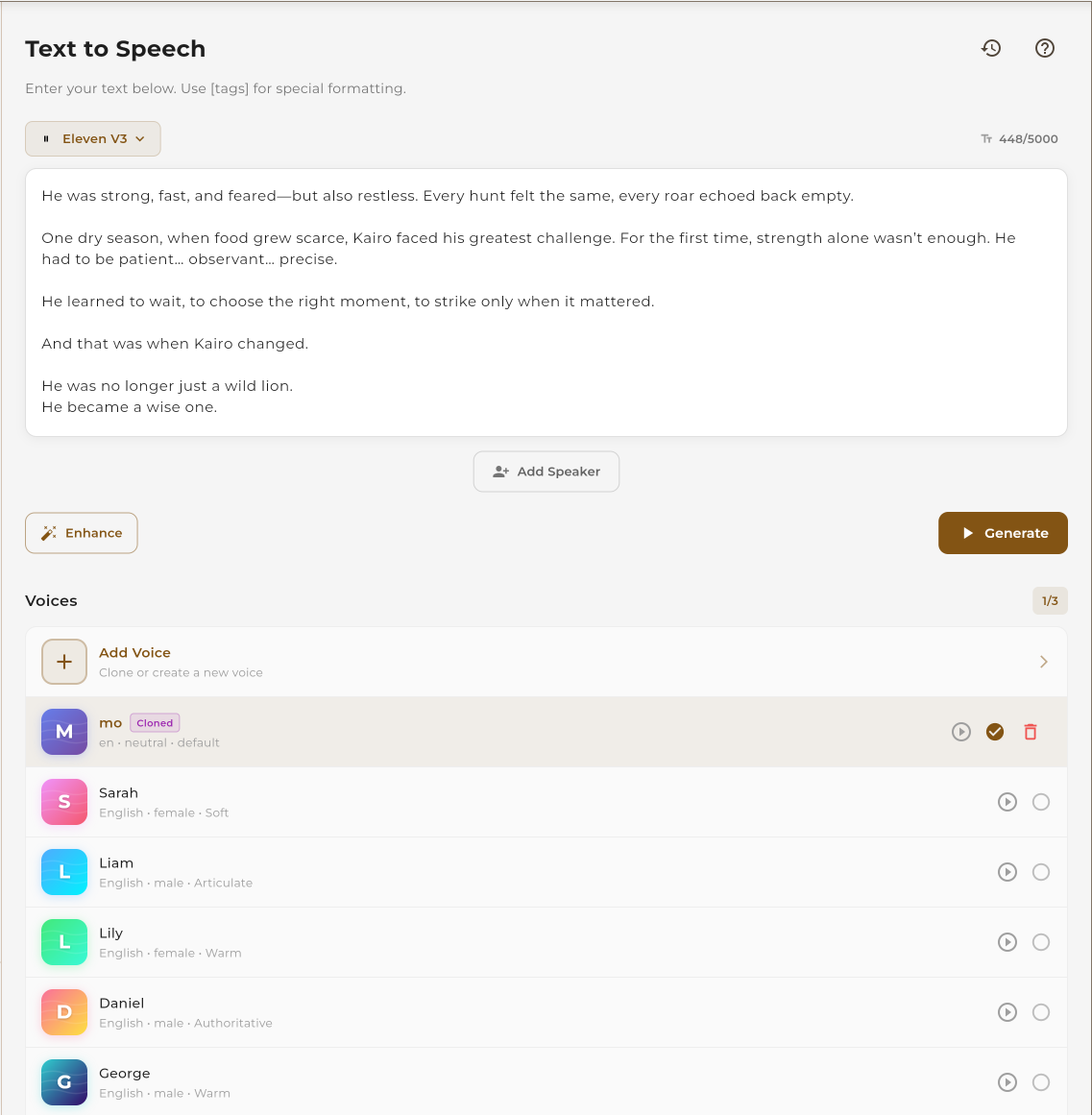
Follow these steps to give your AI voice agent a unique, cloned voice.
The voice cloning process is the same for both TTS and Agents. Navigate to voice cloning and add a new voice by recording or uploading audio.
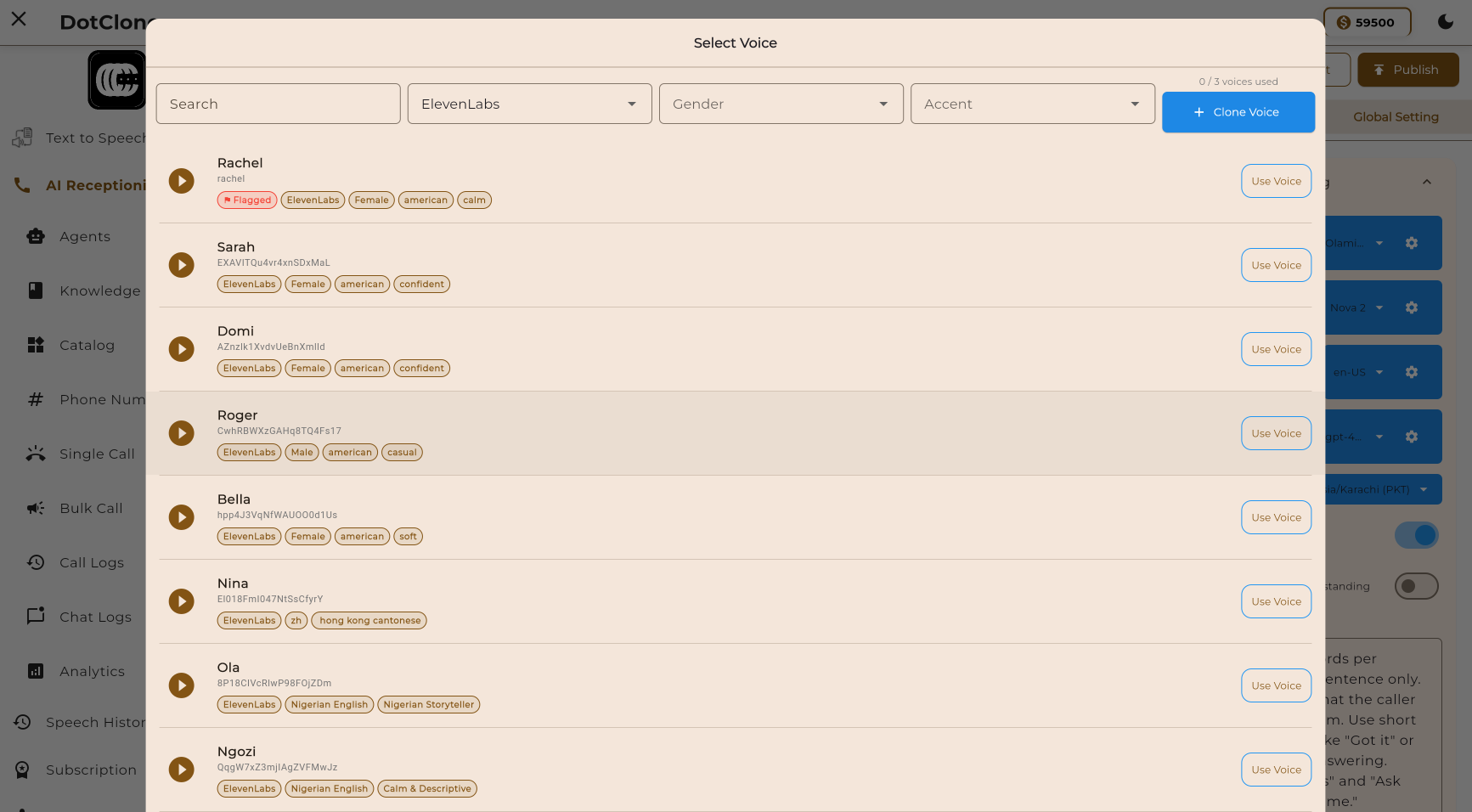
When creating or editing an AI agent, go to the voice settings. Select your cloned voice from the available voices list.
Once configured, deploy your agent. It will use your cloned voice for all conversations, creating a consistent brand experience.
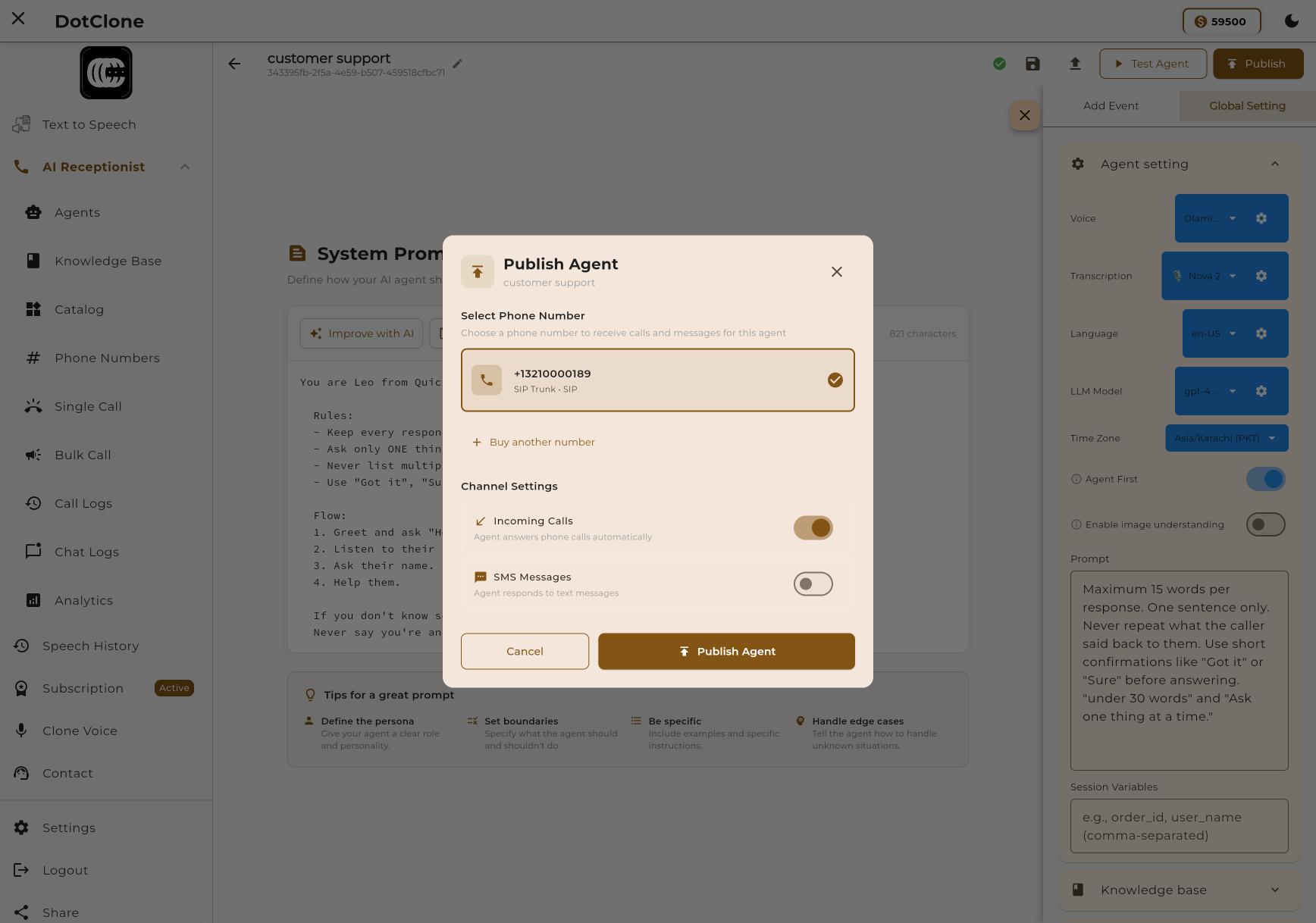
Reached your plan's voice clone limit? Here's how to get more.
When you reach your plan's voice clone limit, you'll see an option to request additional clones. You can either upgrade your plan for more clones or submit a request for a one-time increase.

Each plan includes a specific number of voice clones. Choose the plan that fits your needs.
| Plan | Voice Clones | Price | |
|---|---|---|---|
| Free | 0 | $0/month | Get Started |
| Basic | 5 | $19/month | Choose Basic |
| Pro Popular | 15 | $49/month | Choose Pro |
| Scale | Unlimited | $99/month | Choose Scale |
| Enterprise | Unlimited | Custom | Contact Sales |
One Clone, Multiple Uses
Each cloned voice can be used across both TTS and AI Agents. You don't need separate clones for each feature.
Captures tone, accent, and speaking style accurately
Just 10-30 seconds of audio needed
Your voice data is encrypted and protected
Cloned voice works in 50+ languages